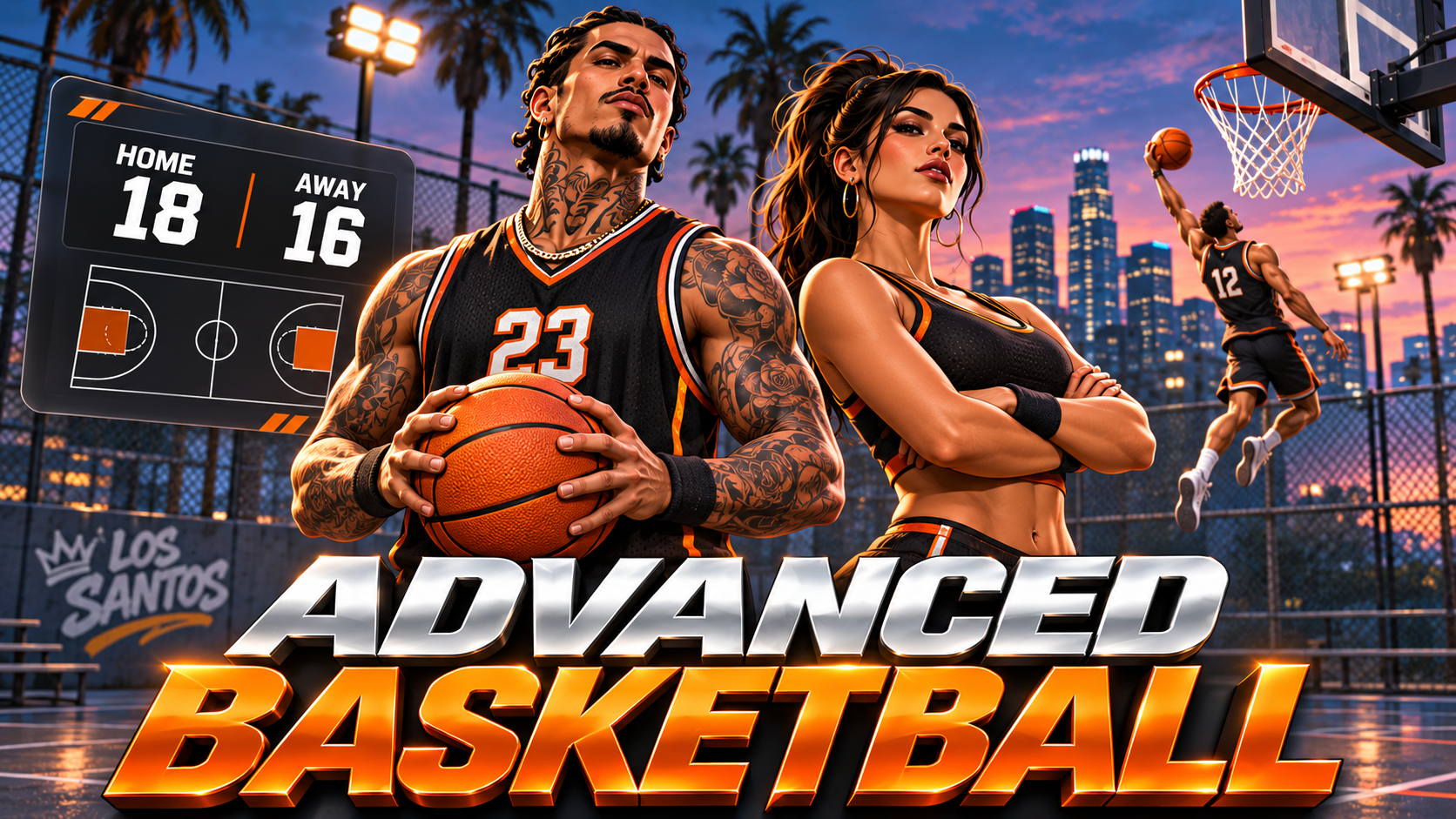


Give your community a court worth coming back to.
Pug Basketball turns a meetup into a pickup game. Practice your release, work past defenders, pass to a teammate and compete for the next win. Build basketball spots around your city with an in-game court creator, saved setups, adjustable game rules and NPC options for quieter hours.
QBCore | QBOX | ESX | Standalone
🌍 Languages: English | Simplified Chinese | Japanese | French | Polish | Spanish | German
Time jump shots with the release meter, drive for layups and sprint toward a full-size hoop for dunks. Use pump fakes, crossovers, between-the-legs dribbles, behind-the-back moves, spins and stepbacks to create space.
Close defenders and raised hands make the green release window smaller. Attempt steals, block shots and jump for rebounds, giving both teams something to do throughout a possession.
Create or join a pickup game through /bball. Set up teams from 1v1 to 5v5 or choose free for all. Play half court, or use a court with two configured hoops for full-court games.
Choose first to 11, 15 or 21, scoring with 2s and 3s or 1s and 2s, and optional shot clock, make it take it and win by 2 rules. The game lobby handles team selection, while the scoreboard shows live scores and possession.
Completed games display a box score and MVP. Saved stats and a server leaderboard let players follow their wins, points, shooting, assists, rebounds, steals and blocks over time.
Players holding a ball at a court can invite a nearby street NPC to play. Acceptance is configurable, and an NPC can decline. Street NPC recruitment is available for solo pickup play.
Admins can also spawn NPC opponents or teammates, with easy, normal and hard skill choices and configurable ped models.
The /bballadmin creator lets administrators create and name courts, place hoops, add ball spots and adjust each court's three-point distance. A placement gizmo helps align the rim.
Use pole hoops, wall backboards, small wall hoops and arcade machines. Scan for supported hoops already in the map, or register an existing hoop manually. Courts and settings are saved, so setups survive restarts.
QBCore | QBOX | ESX | Standalone
🌍 Languages: English | Simplified Chinese | Japanese | French | Polish | Spanish | German
A framework is optional. No SQL database, inventory, target or external menu resource is required. Administrator access uses ACE permissions or the supported framework's groups, with configurable identifier access.
Install the complete resource, restart the server so the animations stream, then create or configure your courts in game. The resource needs write access to its data folder. Keep that folder when updating to preserve courts, settings and stats.
The HUD toggle command can be matched to your HUD. UI fonts and icons load from Google Fonts and cdnjs. Full-court games need two configured hoops, and dunks use a suitable full-size hoop.
TAGS: QBCore, QBOX, ESX, Standalone, NEW
Our support team is available 24/7 on Discord to assist you with any questions.
Join Discord 24/7 Community SupportYour purchase is delivered automatically right after checkout. No waiting.
All transactions are processed through Tebex with enterprise-grade encryption.
Get all future updates and improvements included with your purchase at no extra cost.

Gift Basketball and have it sent directly to their CFX.re account, so you don't have to transfer it after purchase.
